Preview
A digital twin and intelligence analytics tool.
Build live 3D models of real places, attach data to every object, and query it from the tools you already use.
Preview build, rebuilt automatically from the main branch. Desktop app for Windows 10/11 and Linux x64; there is no macOS build.
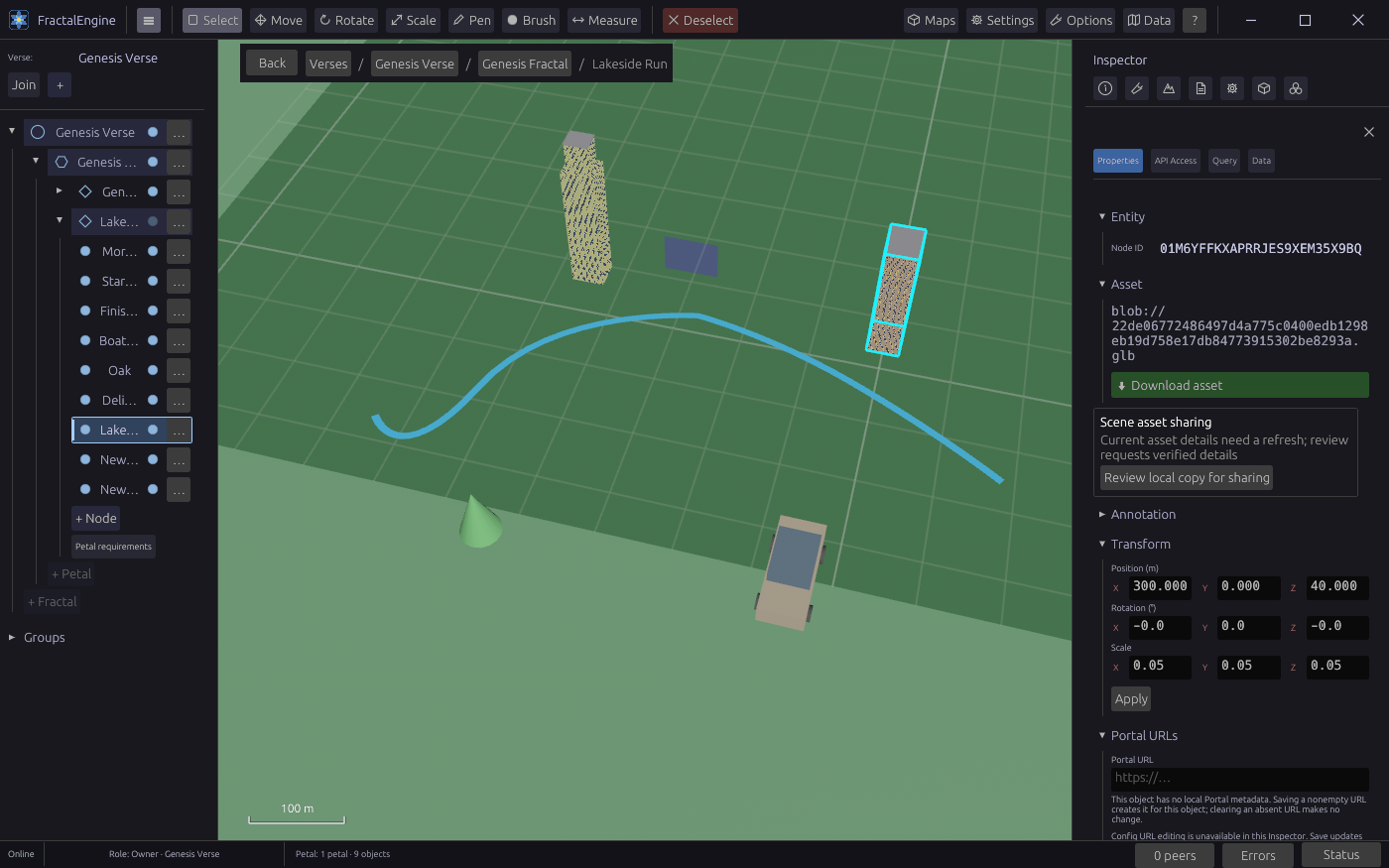
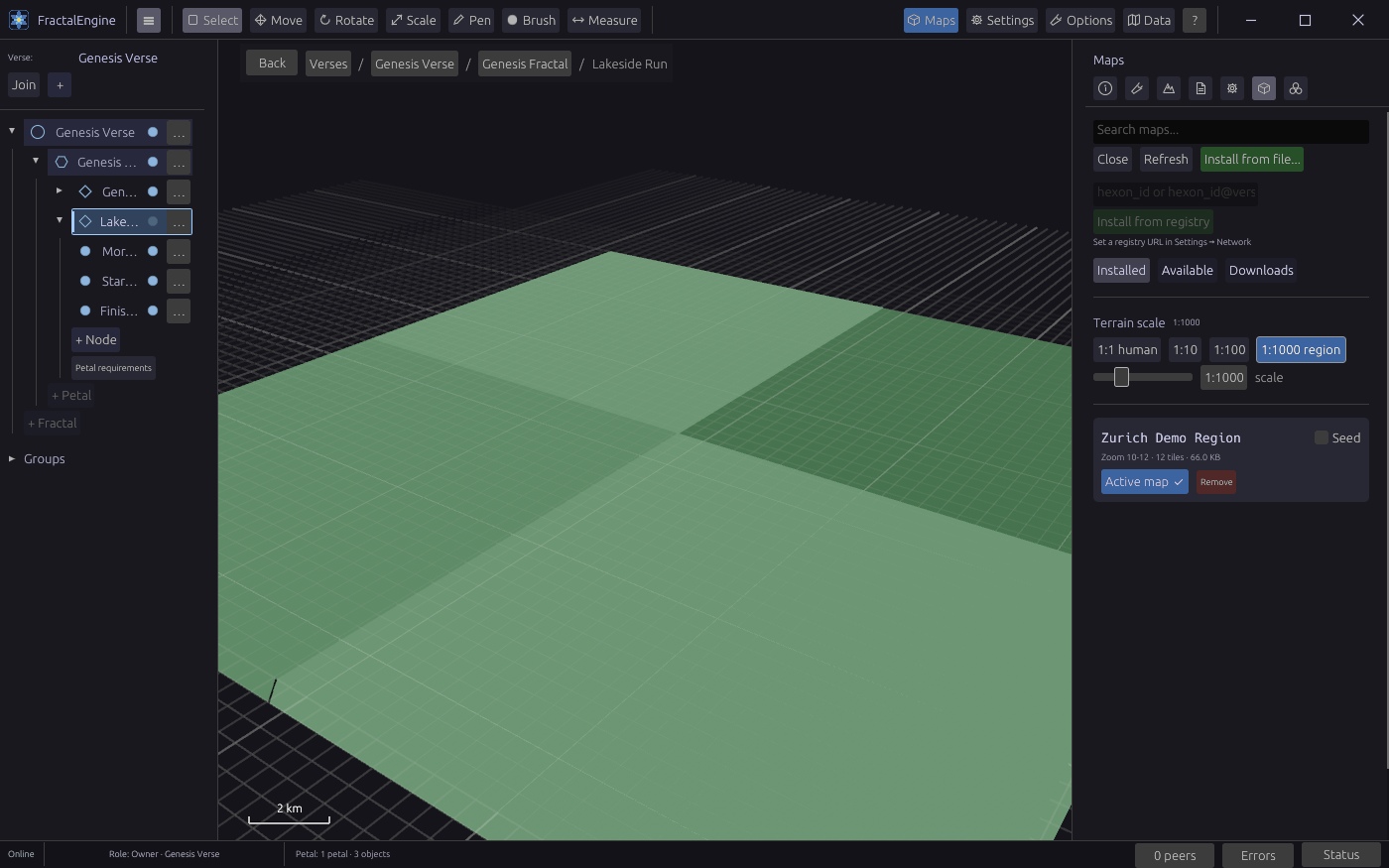
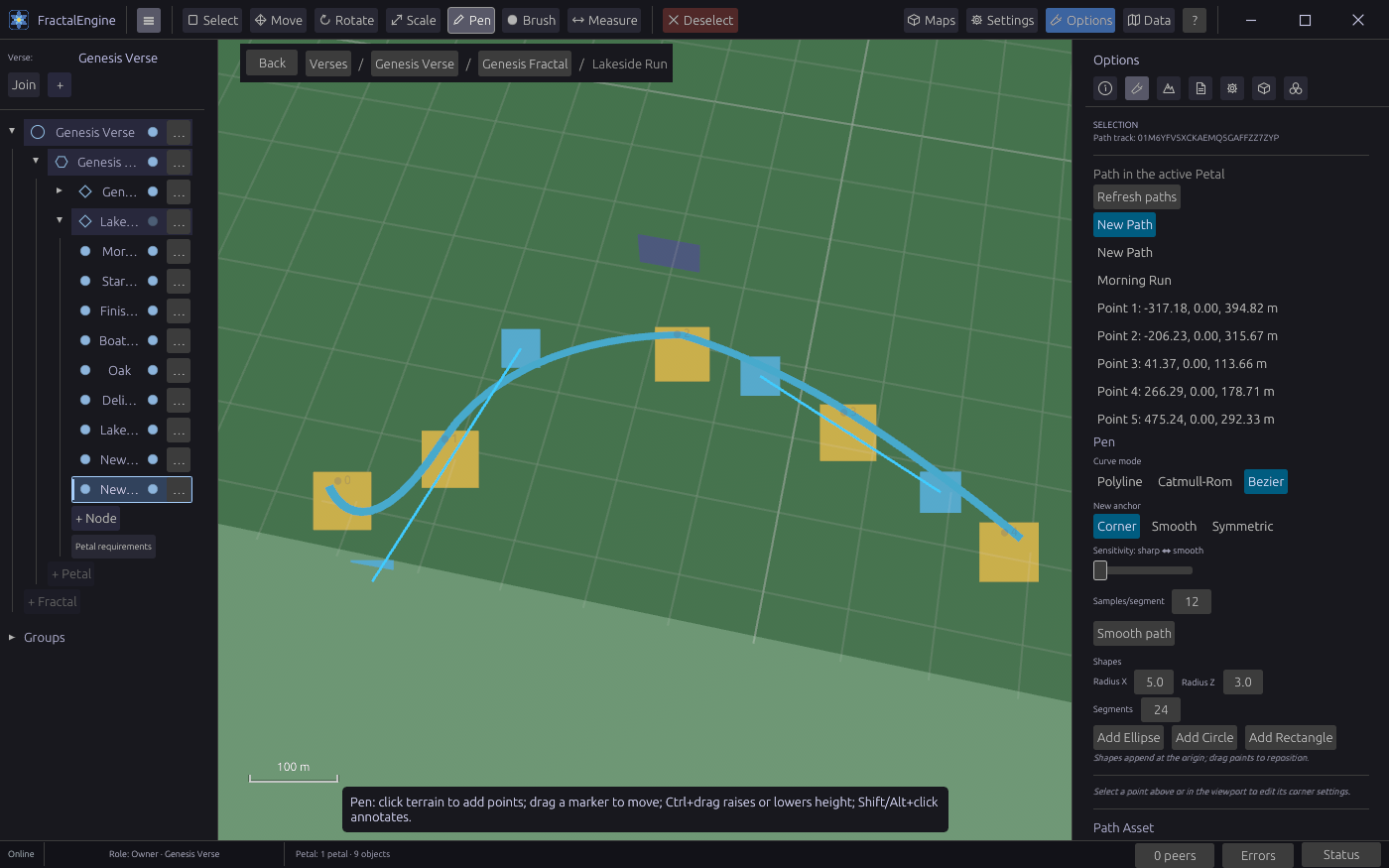
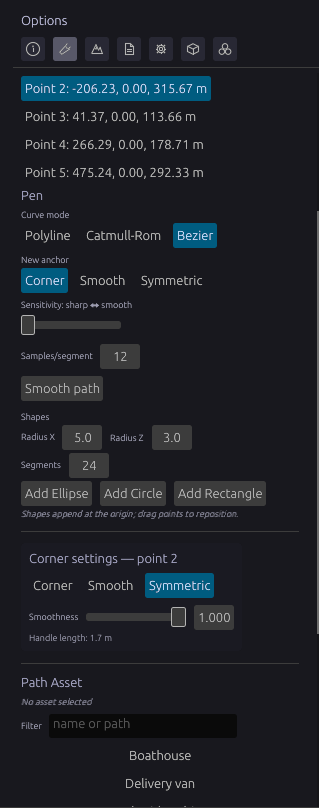
The app, as it is today
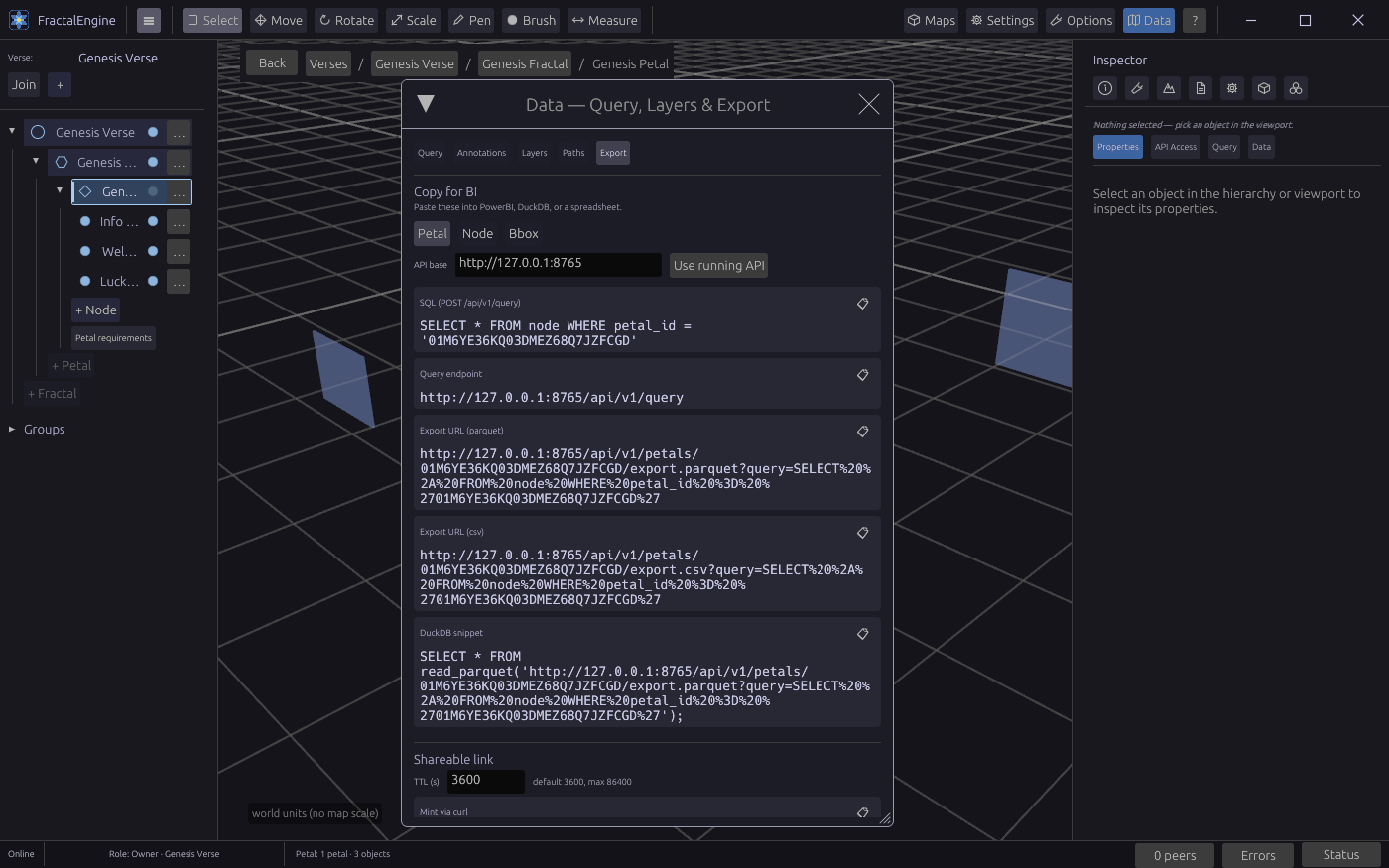
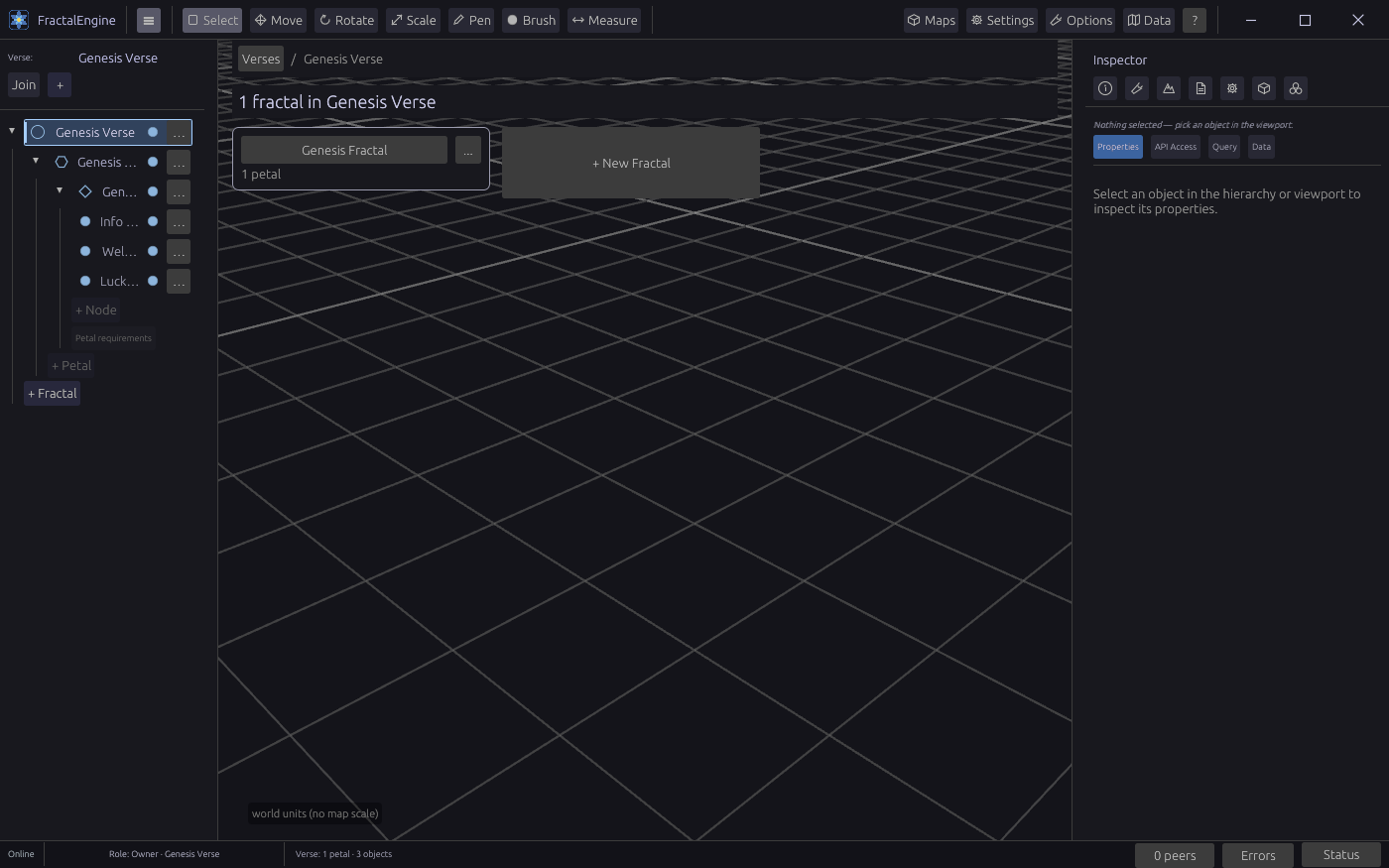
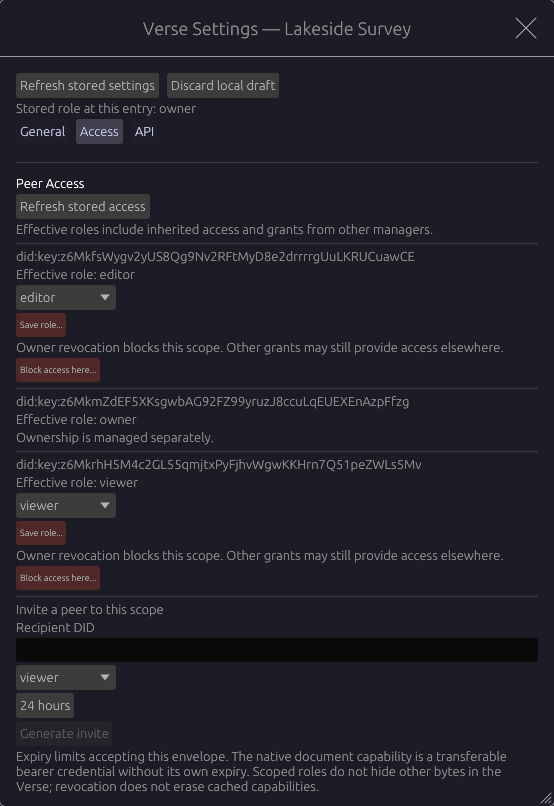
What it does
Model a real site on real terrain
Organise a site as Verse, Fractal, Petal and Node. Place glTF and GLB models on map-based terrain at real-world scale, and draw paths over it.
Attach live data to objects
Give each object properties, sensor readings from the API and a web page. Every object keeps a version history you can read and replay.
Collaborate peer to peer, with roles
Share a verse directly with other people, with no central server. Owner, Manager, Editor and Viewer roles are checked on every incoming change.
Query and export for analysis
Run read-only SQL over your scene data and export nodes and readings as GeoParquet or CSV for DuckDB, Power BI or a spreadsheet.
Extend with sandboxed extensions
Extensions are WebAssembly components that declare what they need, and nothing runs until you consent. Running them in the app needs a source build today.
Drive it from an API or an AI agent
A local REST and WebSocket API and an MCP server let scripts and AI agents read and change the scene, within the role of the token they hold.
Built on
Rust
The whole engine is one Rust workspace, from the renderer to sync and the API.
Bevy 0.18
Entity component system and 3D rendering for the editor and the viewport.
egui
Every panel, inspector and dialog in the editor.
SurrealDB 3
Embedded on your machine: the hierarchy, object properties, readings and history.
iroh 1.3
Peer-to-peer connections, document sync and content-addressed file transfer.
Wasmtime 49
Runs extensions as sandboxed WebAssembly components.
Apache Arrow and Parquet
Columnar exports that analysis tools read directly.
Tokio and Axum
The local REST, WebSocket and MCP server.
Tauri 2
The embedded web view that shows a web page attached to an object.
Open-source projects FractalEngine depends on. It is not affiliated with or endorsed by them.
Preview status
- Works today
The desktop editor, the Verse to Node hierarchy, model import, map terrain, paths, peer-to-peer sync with roles, the local API and MCP tools, and export to Parquet and CSV.
- Source build only
Running extensions inside the app needs a build from source with the
plugin-hostfeature andFE_PLUGIN_HOST_ALLOW=1. The extension command line tool,fe-ext, is built from a checkout. Both are covered in the extensions guide.- Not yet
There is no tagged release. The downloads are unsigned preview builds, so Windows SmartScreen may warn on first launch. Some recent editor features have not been fully checked in the running app.
- Report issues
github.com/Escherbridge/fractalengine/issues. Current build and registry health are on the status page.